
7 CRM Features Every Service Business Actually Uses
Forget the 200-feature enterprise CRM. Here are the 7 features that actually matter for service contractors—and how to use them effectively.
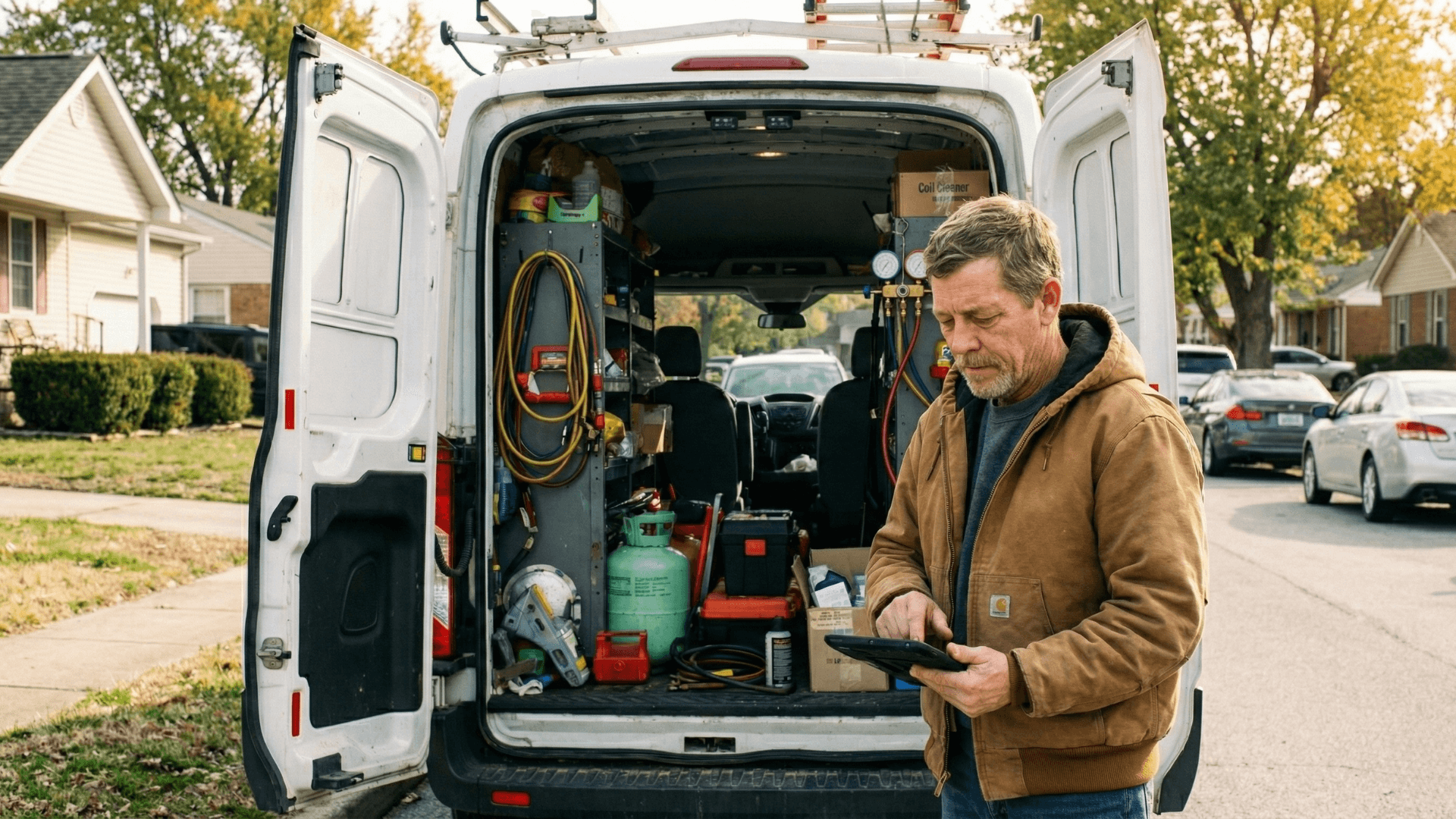
The software industry has a dirty secret: most CRM features go unused. The average business uses less than 50% of what they're paying for, and that percentage drops even lower for service contractors with no time to learn complex systems.
But that doesn't mean you don't need a CRM. You just need the right features—the ones that actually move the needle for a service business. Here are the 7 that matter.
Feature #1: Customer History at a Glance
When Mrs. Johnson calls about her AC acting up again, you should know:
- What equipment she has (and when it was installed)
- Every service call you've made to her home
- What was done each visit and by which technician
- Her payment history and any outstanding balances
- Notes from previous technicians ('dog in backyard, enter through side gate')
This isn't about impressing customers (though it does). It's about efficiency. The tech who walks in knowing the history can diagnose faster, quote accurately, and avoid repeating past mistakes.
Feature #2: Mobile Access for Field Techs
A CRM that only works in the office is barely a CRM at all. Your techs need to:
- View job details and customer history from their truck
- Update job status in real-time
- Add notes and photos on-site
- Collect signatures digitally
- Process payments immediately
The mobile experience matters. If the app is clunky or slow, techs won't use it, and you're back to sticky notes and end-of-day data entry.
“Our old CRM had a mobile app, but it took 45 seconds to load a customer record. Nobody used it. Our new system loads in 3 seconds, and suddenly everyone's actually using it.”
Feature #3: Automated Follow-Up Sequences
The money isn't just in the first job—it's in the relationship over time. But nobody has time to manually follow up on every estimate, every completed job, and every maintenance reminder.
Your CRM should automatically:
- Send estimate follow-ups at day 1, 3, and 7 after quoting
- Request reviews after completed jobs
- Remind customers when maintenance is due
- Re-engage customers who haven't called in 12+ months
- Send birthday and holiday greetings to VIP customers
This is where CRMs pay for themselves. One recovered estimate or one maintenance agreement sold covers months of subscription cost.
Feature #4: Estimate and Invoice Creation
Your CRM should handle the full quote-to-cash cycle:
- Create estimates from pre-built templates
- Allow customers to approve digitally
- Convert approved estimates to jobs automatically
- Generate invoices from completed jobs
- Accept payment through the same platform
Every handoff between systems is a place where things get lost. The fewer systems in your workflow, the fewer errors.
Feature #5: Smart Scheduling and Dispatch
Scheduling is the operational heart of a service business. Your CRM should:
- Show technician availability at a glance
- Allow drag-and-drop rescheduling
- Match jobs to techs with the right skills
- Consider geography to minimize drive time
- Handle recurring maintenance schedules
- Send customer confirmations and reminders automatically
Advanced systems can even optimize routes and suggest scheduling that reduces windshield time—putting more billable hours in each day.
Feature #6: Reporting That Answers Real Questions
You don't need 47 reports. You need answers to these questions:
- How much revenue did we generate this month vs. last month?
- Which technician generates the most revenue per call?
- What's our estimate-to-job conversion rate?
- Which services are most profitable?
- Where are our leads coming from?
- Who owes us money and for how long?
If you can't answer these questions quickly, your CRM isn't serving you.
See These Features in Action
Local Business Pro includes all 7 essential CRM features designed specifically for service businesses.
Schedule DemoFeature #7: Integration With Your Other Tools
No CRM does everything perfectly. What matters is how well it plays with others:
- Accounting software: QuickBooks, Xero, FreshBooks
- Phone system: Track calls from the CRM, log call recordings
- Marketing tools: Email platforms, review management
- Supply ordering: Integrate with parts suppliers
- GPS and fleet tracking: Know where trucks are in real-time
Features You Don't Need (Yet)
Enterprise CRMs will try to sell you on features that complicate more than they help:
- Complex sales pipeline management: You're not selling software subscriptions
- Territory mapping: Unless you have 10+ techs in multiple regions
- Advanced forecasting: Keep it simple until you have years of data
- Custom coding and API access: Unless you have a developer on staff
These features have their place, but not for a service business under $5M. Complexity is the enemy of adoption.
The Real Test: Will Your Team Actually Use It?
The best CRM is the one your team uses every day. When evaluating options, ask:
- Can a new tech learn the basics in under an hour?
- Does the mobile app work well on older phones?
- Is it fast enough that people won't get frustrated?
- Does customer support actually help when you're stuck?
- Are other contractors in your trade using it successfully?
The Bottom Line
The right CRM transforms how you run your business. The wrong one (or no CRM at all) means you're flying blind, dropping follow-ups, and leaving money on the table.
Focus on these 7 features. Master them before worrying about advanced functionality. A simple system used consistently beats a complex system used sporadically every time.
About Local Business Pro Team
The Local Business Pro team combines decades of experience in service businesses, technology, and customer success to create content that helps contractors grow.
View full profile →Related Articles
The Complete Guide to HVAC Business Automation: 15 Workflows That Run Themselves
From appointment reminders to maintenance agreement renewals, here are the automations that save HVAC contractors hours every week while capturing more revenue.

Mobile-First Operations: Running Your Business From the Truck
Your office is wherever you are. Here's how to set up truly mobile operations so you can run your service business from anywhere.